
Helping you innovate with Microsoft Modern Workplace & Copilot AI
Based near Aberystwyth, West Wales, Pugh Computers are a WCVA Trusted Supplier and Microsoft Modern Work Solutions Partner with over 43 years’ experience supplying the voluntary, education and commercial sectors. Offering bilingual services in English and Welsh, we specialise in software licensing and compliance, Modern Workplace and security, and sustainable and inclusive hybrid meeting spaces.
In this blog, we recap four key takeaways from our recent hybrid session at WCVA’s 2024 gofod3 event, with clear practical actions you can take today to start innovating with Microsoft Modern Workplace and Copilot AI.
Still using on-premises Office?
Firstly, if you are still using on-premises Microsoft Office, whether it’s Office 2021, 2019 or even 2016 (which is almost ten years old now!), we do highly recommend moving to the cloud, so that’s either Microsoft 365 or Office 365.

Moving to the cloud brings immediate benefits, including easily accessible cloud file storage and the ability to use Office on different devices, such as desktop PCs, laptops, tablets and smartphones – users can log in from anywhere! Even if you haven’t installed the Office 365 apps on a particular device, you can still log in and access the apps via a web browser on most devices. And with cloud storage, your files are accessible from anywhere when saved securely to the cloud.
Then, on top of the Office 365 apps and cloud storage, as our Technical Director Eifion Evans explained in our session, Microsoft 365 gives you the addition of Windows and all the extra security tools which are invaluable.
👉 Watch the Modern Workplace section of our recorded session to discover more
As well as supplying Microsoft 365 and Office 365 licensing, at Pugh, we perform technology and licensing reviews with our customers, giving you trusted advice and expert guidance to support you through the process of moving to the cloud. We also work with trusted partners who can do the whole migration process for you if you haven’t got the time or dedicated resources, taking the stress away from you and letting you carry on with your day-to-day work with minimal impact.
Interested in Copilot AI?
This brings us nicely to Copilot. You can use the free Web version of Microsoft Copilot right away, and we recommend this as a good way to get a feel for it and what it can do. But to make the most of the integrations with Office apps and work files like we see in Eifion’s live demo, you cannot do this using on-premises Office such as Office 2021; you must already be using the cloud version – Office 365.
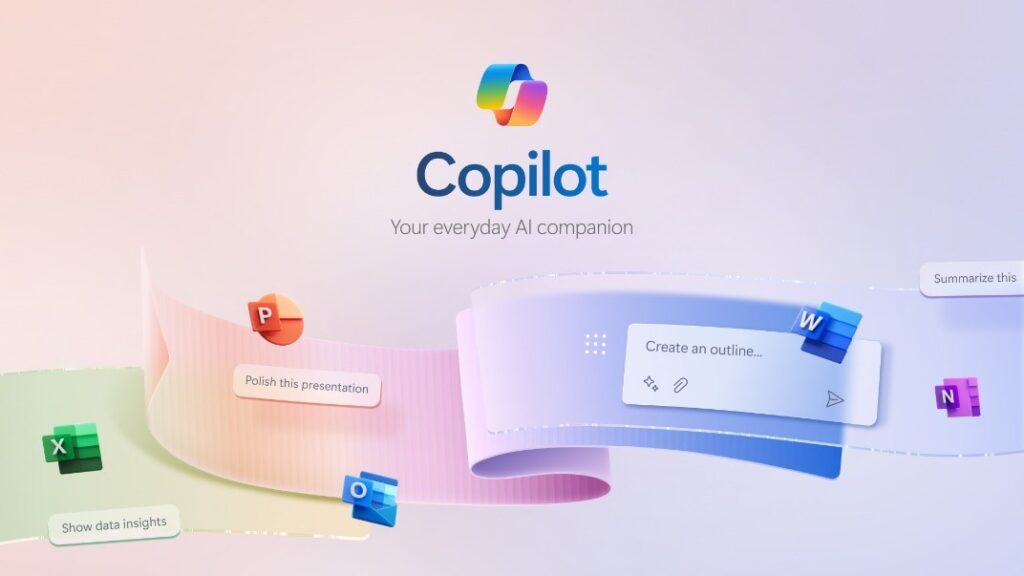
Using Copilot for Microsoft 365, within just seconds, you can draft Word documents, create PowerPoint presentations, summarise Teams meetings and more, bringing in work files and data, all within the secure confines of your Microsoft 365 environment.
👉 Check out our Copilot demo to see it in action!
The most effective way we have seen organisations start using Copilot for Microsoft 365 is to buy a couple of licenses for key staff to try out, which we can process for you. Then, further down the line, roll Copilot out for a department of 5-10 people so they can test it out together as a team. This encourages collaboration and it’s when users start appreciating the productivity, creativity and time-saving benefits that Copilot offers, and often eventually leads to full organisation-wide adoption.
At Pugh, we’re currently in the process of kitting out our brand new, state of the art experience centre at our Llanon office in Ceredigion, so keep an eye out as we’re planning some exciting events and Copilot adoption workshops in the coming months!
Concerned about security?
Security is a crucial part of the Modern Workplace, especially when using Copilot. Ensuring that up-to-date document classifications and robust access permissions are in place become critical to ensure that Copilot cannot inadvertently (or even deliberately if that’s the user’s intention) access and use resources that the particular staff member should not have access to, such as confidential HR or managerial data.
👉 Jump directly to the Security section to discover more
Cybersecurity is often seen as a complex topic, so if you’re not sure about what security tools you have access to or how you should be implementing them, we are here to help. We sit down with our customers to review what they currently have and advise on recommended security moving forward, not only from a licensing point of view, but also guiding you through some industry best practices.

For anyone who may not have the available resources or their own IT and security teams to deal with all this, we also work with trusted partners who provide 24/7 managed security solutions, giving you peace of mind against even the most advanced cybersecurity threats.
Need to get set up for hybrid meetings & events?
And finally, over the past few years, we have seen a growing demand for hybrid meeting space solutions, just like what we used for our gofod3 session.

A hybrid meeting space can take many different forms, whether it’s a meeting room, collaboration area, classroom, community hall and anything in between. Being able to connect and engage with people from across the world in an instant provides major sustainability and inclusivity benefits, with the digital whiteboard empowering your team to collaborate and brainstorm ideas from anywhere.
👉 Catch up on our interactive board live demo and case studies!
To get set up with your own hybrid meeting space solutions, please get in touch with our AV expert Elfed Jenkins who will be more than happy to chat about your requirements, plan potential solutions and work with you to design a bespoke solution to meet your needs and budget. We also provide installation, adoption and change management services, bilingual user training and ongoing support to ensure you get the best value from your investments.
Get in touch!
For more information of any of these topics, please check out the relevant parts of our sessions at the links above, or get in touch with our friendly team of experts today:
Technical Director Eifion Evans – 01974 200 203 / eifion@pugh.co.uk
IT Manager & Head of AV Elfed Jenkins – 01974 200 216 / elfed@pugh.co.uk
Pugh Sales Team – 01974 200 201 / sales@pugh.co.uk